What happens at the table.
Choose a rules context, enter or record a hand, review the score, settle, then continue or keep the record.
The walkthrough below uses the British / BMJA-style example where rule-specific details are visible. The same Table Companion journey is used with the other supported rules.
From context to next hand.
- 01
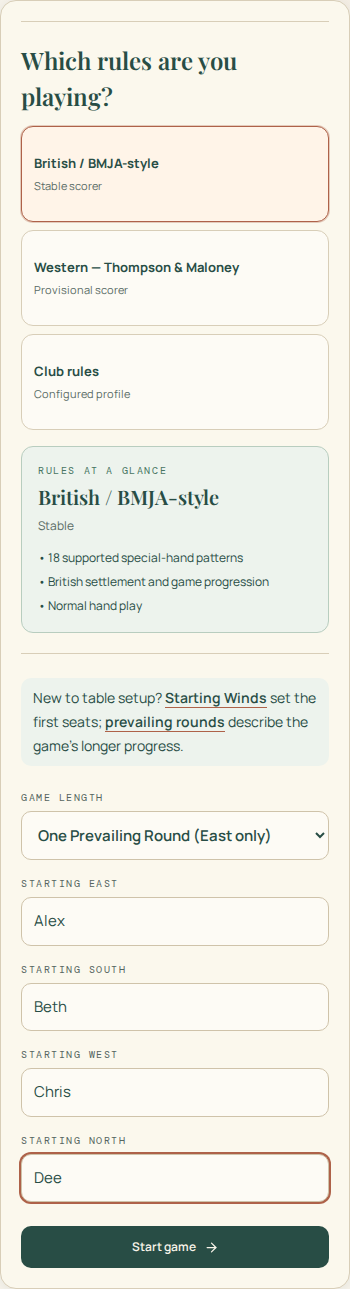
Choose the table context
Start a game with its rules profile, length and four seats. Those choices stay with the game as you play.
- 02
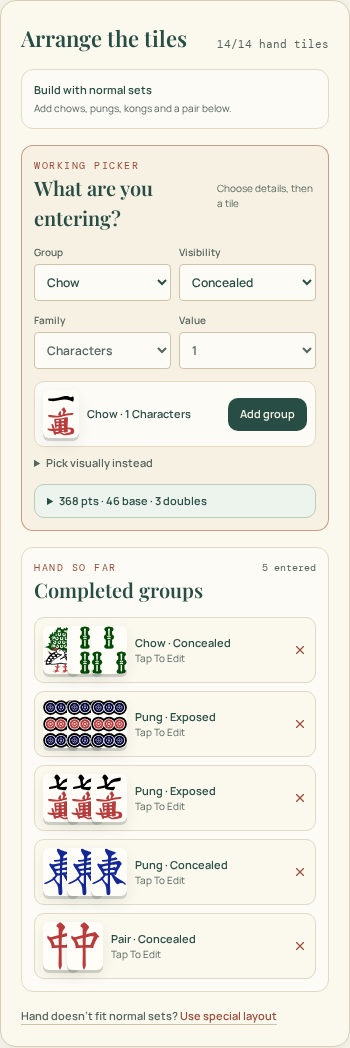
Enter or record a hand
Enter tiles for a calculated score, or record the numeric score known at the table.
- 03
Review the score and explanation
See the result and, for a calculated score, the points, doubles and patterns recognised from the entered evidence.

- 04
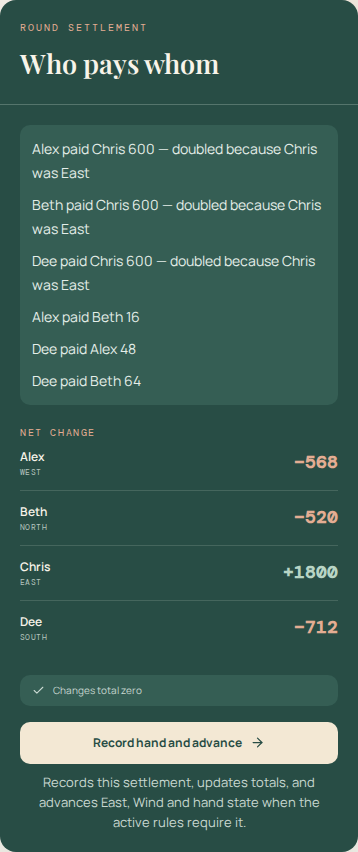
Settle the hand
For a game, review who pays whom and each player’s net change before recording the hand.
- 05
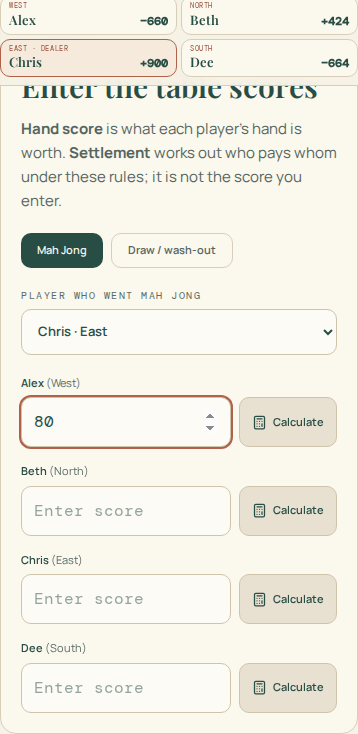
Continue or keep the record
Recording updates totals, East and prevailing Wind for the next hand. Review the game history or print or save a record when you finish.


The User Guide picks up where this walkthrough stops.
See the User Guide for step-by-step instructions and detailed help with using the scorer.